🤔 What Are We Building?
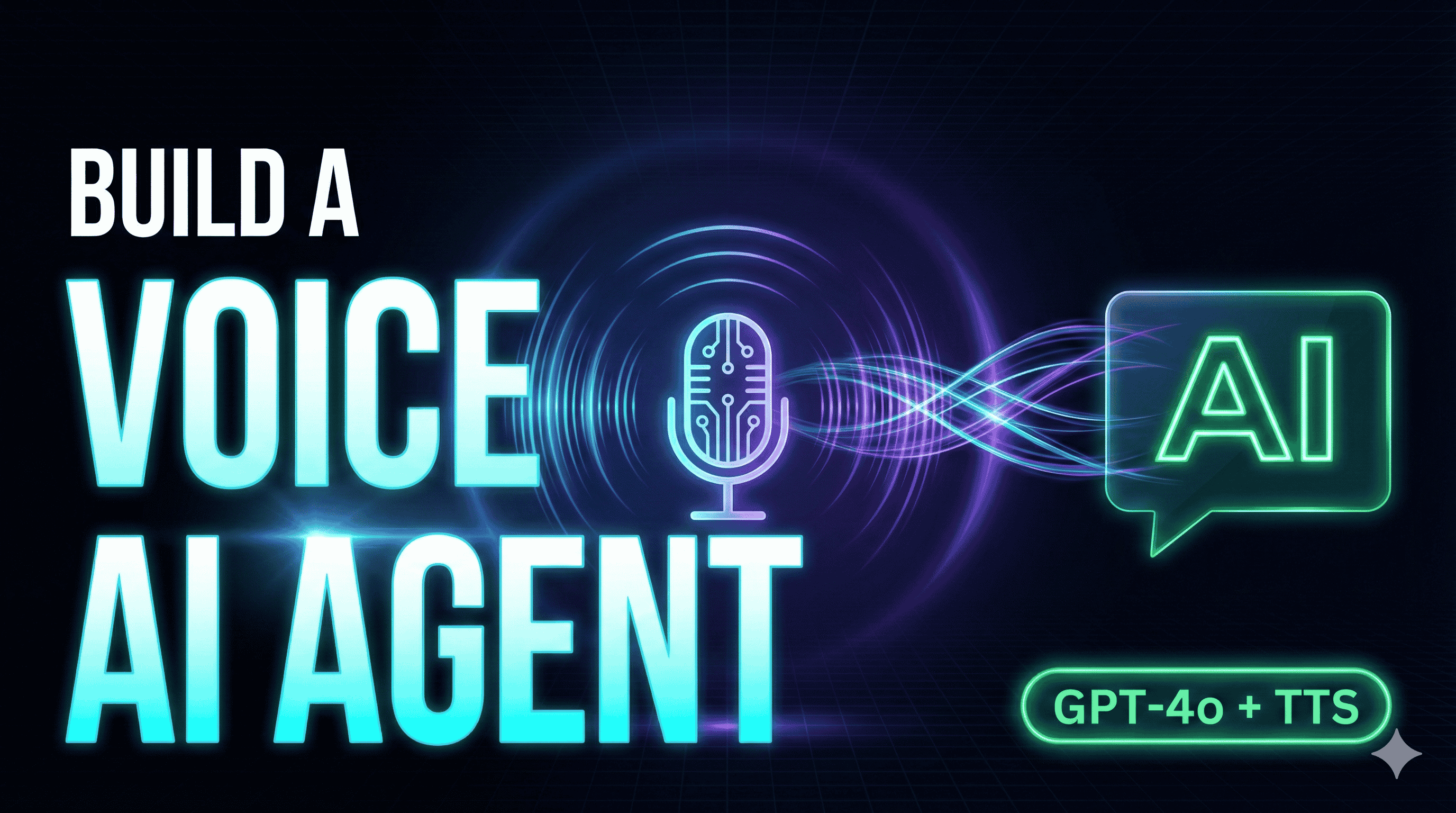
A full-stack Voice AI Agent with:
🎤 Voice Input — Captured via the Browser's Web Speech API
🧠 AI Brain — GPT-4o-mini processes your spoken query
🔊 Voice Output — OpenAI's TTS-1 model speaks the answer back
💅 Beautiful UI — Animated dark-mode orb with 4 visual states
🏗️ Project Structure
Voice-AI-Agent/
├── client/                  # React + Vite + TailwindCSS
│   └── src/
│       ├── components/
│       │   └── ChatInterface.jsx   # Main UI
│       ├── hooks/
│       │   ├── useVoiceInput.js    # Web Speech API hook
│       │   └── useAudioPlayer.js   # Audio playback hook
│       └── App.jsx
│
└── server/                  # Node.js + Express
    ├── server.js            # API endpoint
    └── .env                 # OPENAI_API_KEY
⚙️ Backend: Node.js + Express + OpenAI
The backend has a single POST /api/voice endpoint that does two things:
Sends the user's text to GPT-4o-mini for an intelligent reply
Converts that reply to speech using OpenAI TTS-1
javascript

// server/server.js
const express = require('express');
const cors = require('cors');
const dotenv = require('dotenv');
const OpenAI = require('openai');

dotenv.config();

const app = express();
const port = process.env.PORT || 5000;

app.use(cors());
app.use(express.json());

const openai = new OpenAI({ apiKey: process.env.OPENAI_API_KEY });

app.post('/api/voice', async (req, res) => {
    try {
        const { text } = req.body;
        if (!text) return res.status(400).json({ error: 'Text is required' });

        // Step 1: Get AI response from GPT-4o-mini
        const completion = await openai.chat.completions.create({
            model: "gpt-4o-mini",
            messages: [
                { role: "system", content: "You are a helpful voice assistant. Keep responses concise and conversational." },
                { role: "user", content: text }
            ],
        });

        const responseText = completion.choices[0].message.content;

        // Step 2: Convert response to speech (TTS-1)
        const mp3 = await openai.audio.speech.create({
            model: "tts-1",
            voice: "alloy",
            input: responseText,
        });

        const buffer = Buffer.from(await mp3.arrayBuffer());
        const audioBase64 = buffer.toString('base64');

        res.json({
            role: 'assistant',
            content: responseText,
            audio: `data:audio/mpeg;base64,${audioBase64}`
        });

    } catch (error) {
        console.error('Error:', error);
        res.status(500).json({ error: 'An error occurred.' });
    }
});

app.listen(port, () => console.log(`Server running on port ${port}`));
Key Points:
The audio is returned as a Base64-encoded MP3 data URI — no file storage needed!
We use the "alloy" voice, but OpenAI offers shimmer, echo, nova, onyx, and fable too.
🎤 Frontend Hook: useVoiceInput
This custom hook wraps the browser's SpeechRecognition API:
javascript

// hooks/useVoiceInput.js
import { useState, useCallback, useRef } from 'react';

const useVoiceInput = () => {
  const [isListening, setIsListening] = useState(false);
  const [transcript, setTranscript] = useState('');
  const recognitionRef = useRef(null);

  const startListening = useCallback(() => {
    const SpeechRecognition = window.SpeechRecognition || window.webkitSpeechRecognition;
    if (!SpeechRecognition) return alert('Speech Recognition not supported');

    const recognition = new SpeechRecognition();
    recognition.lang = 'en-US';
    recognition.interimResults = true;

    recognition.onresult = (event) => {
      const current = Array.from(event.results)
        .map(r => r[0].transcript).join('');
      setTranscript(current);
    };

    recognition.onend = () => setIsListening(false);

    recognitionRef.current = recognition;
    recognition.start();
    setIsListening(true);
  }, []);

  const stopListening = useCallback(() => {
    recognitionRef.current?.stop();
  }, []);

  const resetTranscript = useCallback(() => setTranscript(''), []);

  return { isListening, transcript, startListening, stopListening, resetTranscript };
};

export default useVoiceInput;
🔊 Frontend Hook: useAudioPlayer
Plays the Base64 audio URL returned from the backend:
javascript

// hooks/useAudioPlayer.js
import { useState, useRef, useCallback } from 'react';

const useAudioPlayer = () => {
  const [isPlaying, setIsPlaying] = useState(false);
  const audioRef = useRef(null);

  const playAudio = useCallback((audioSrc) => {
    if (audioRef.current) audioRef.current.pause();
    const audio = new Audio(audioSrc);
    audioRef.current = audio;
    setIsPlaying(true);
    audio.play();
    audio.onended = () => setIsPlaying(false);
  }, []);

  return { isPlaying, playAudio };
};

export default useAudioPlayer;
🚀 Setup in 3 Steps
1. Clone the Repo
bash

git clone https://github.com/YOUR_USERNAME/voice-ai-agent.git
cd voice-ai-agent
2. Start the Backend
bash

cd server
npm install
# Create .env file:
# PORT=5000
# OPENAI_API_KEY=sk-...
npm start
3. Start the Frontend
bash

cd client
npm install
npm run dev
Visit http://localhost:5173, tap the orb, and speak! 🎙️
💡 Ideas to Extend This Project
🗣️ Add conversation history so the AI remembers context
🌍 Add language switching for multilingual support
🎭 Let users choose different voices (Shimmer, Nova, Echo...)
⌨️ Add text fallback input for environments without a mic
🌐 Deploy backend to Railway or Render, frontend to Vercel
🔑 Key Takeaways
Web Speech API is built into Chrome/Edge — no external library needed for STT
GPT-4o-mini gives fast, cost-effective AI responses
TTS-1 produces natural-sounding speech and returns audio as Base64 — easy to stream
React's custom hooks keep voice and audio logic cleanly separated
State-driven UI (4 states) is the secret to making the app feel alive
📂 GitHub Repo
Drop a ⭐ if you find it useful!
This is Day 13 of my #30DaysOfAI challenge. Follow along for a new AI project every day!